Linking To Ektron Content
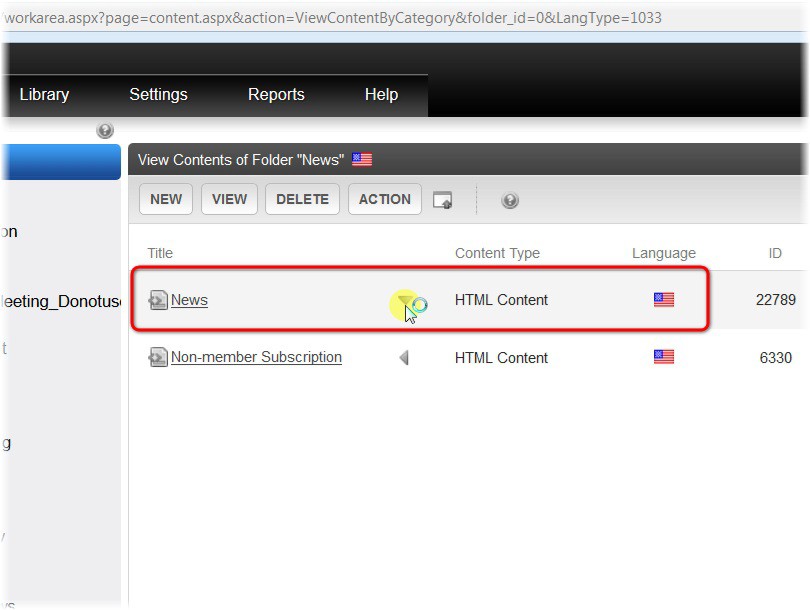
Click on the web content that you want to add hyperlinks to
Note
You can just click the title or (See next Screenshot)
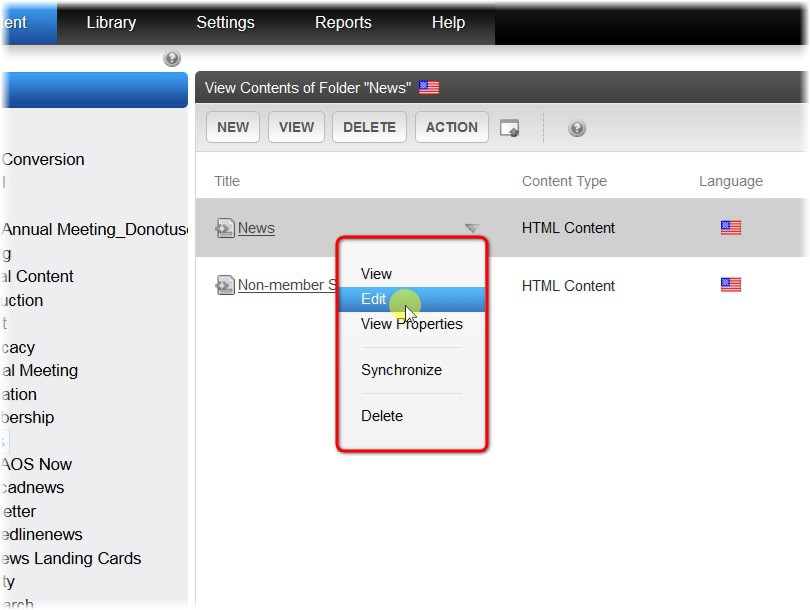
Click Edit - From the pop-up menu
Note
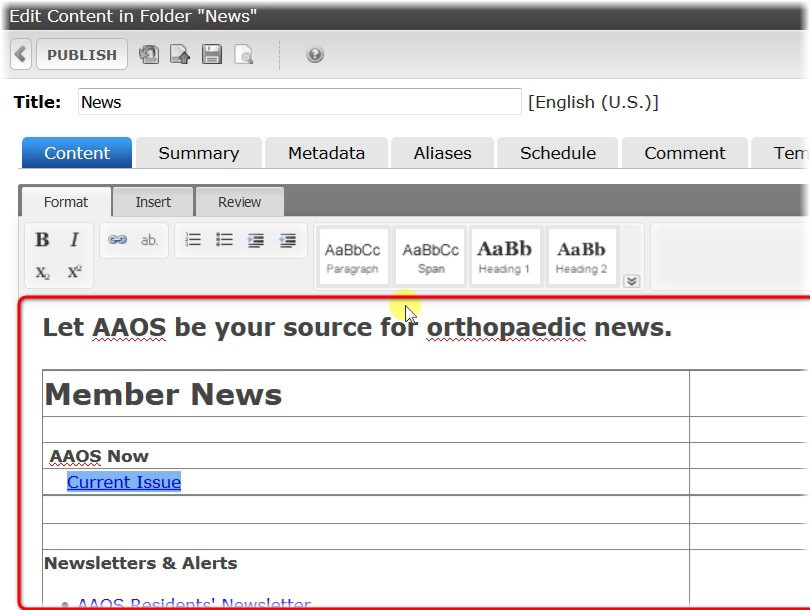
Go to the text area
Note
Adding a Hyperlink
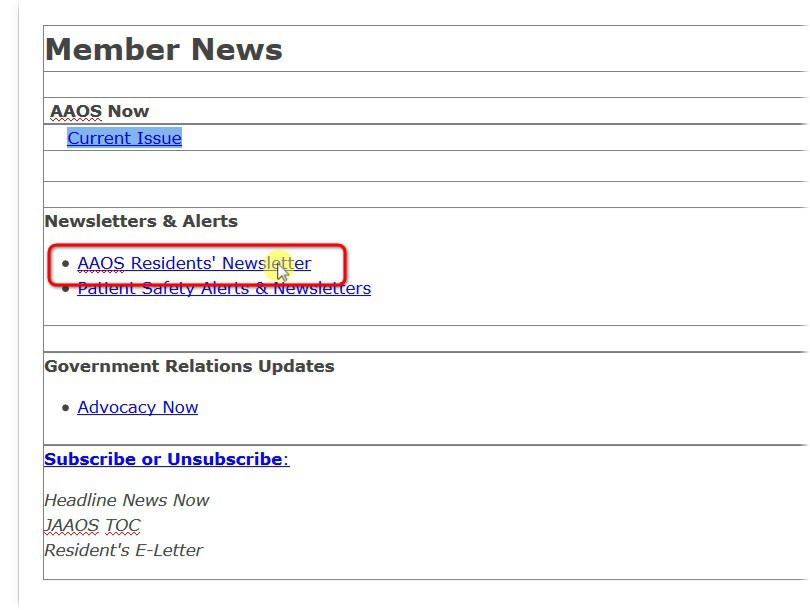
Note
- You can click the item that you want to add a hyperlink to.
- EXAMPLE: Adding a Hyperlink for AAOS Residents Newsletter
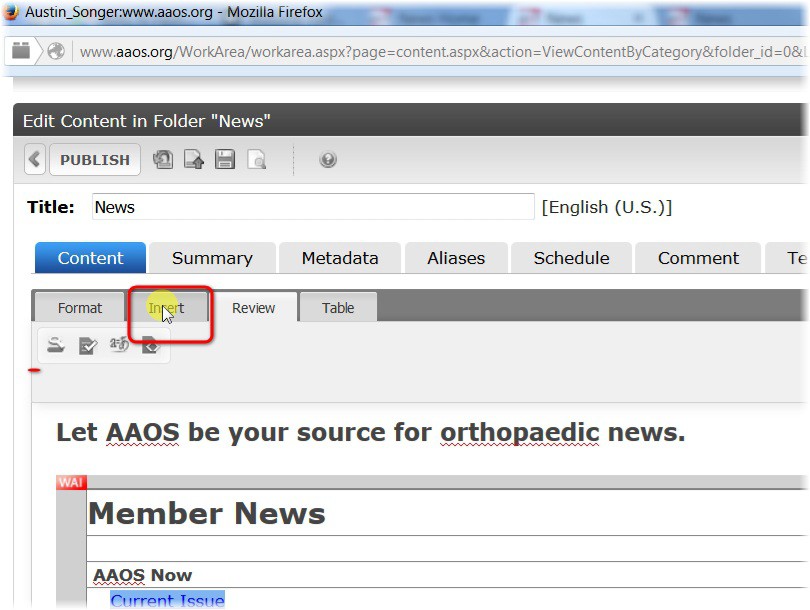
Click Insert
Click Insert Link
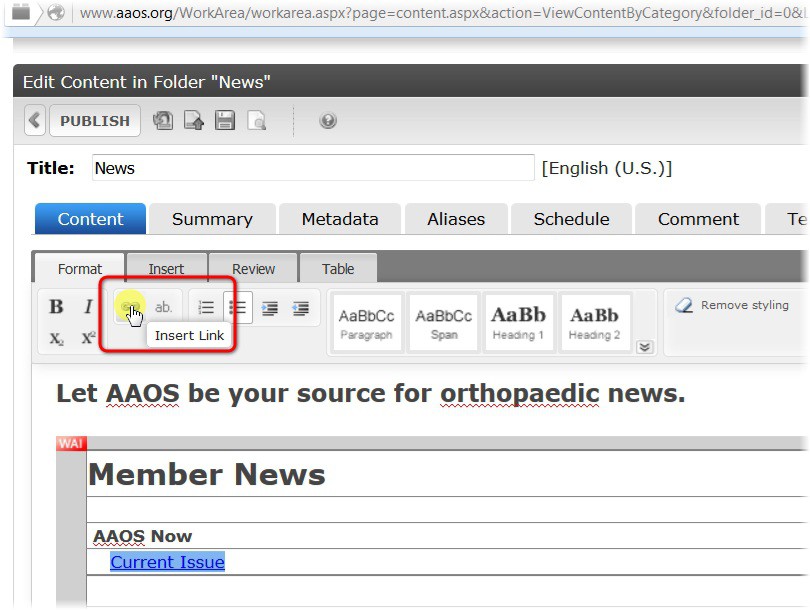
Note
- Erase
http://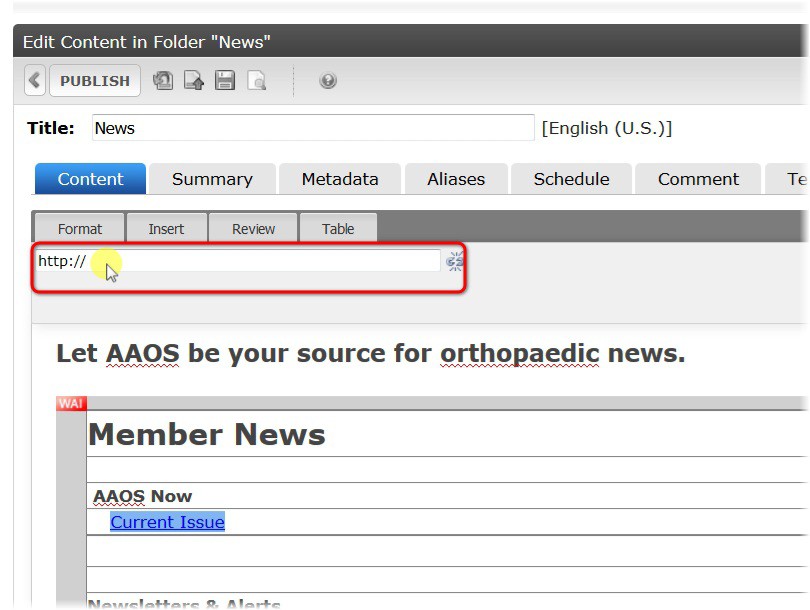
Note
- If you are linking to a page in Ektron, then you can delete
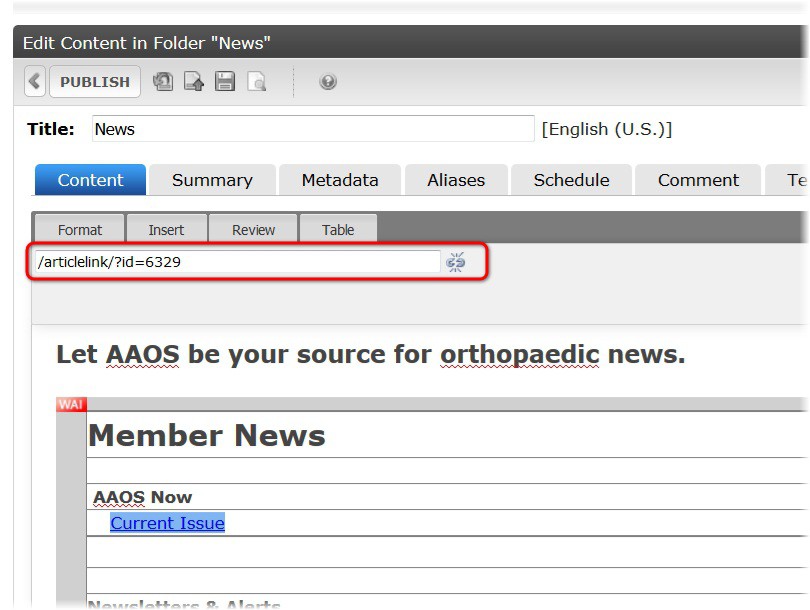
http://- The easiest way of linking to a page in ektron is by typing the following:
/articlelink/?id=- Then you will add the “Content ID” after the equal sign.
/articlelink/?id=6329